On How Chrome Android Dark For Enable Mode To Google
Faucet on darkish mode choice. scroll down to find the “dark mode”. you will find it proper earlier than the “advanced” label. networks consisting of twitter and fb formerly an android app for the web page turned into to be had at the google play store however this was eliminated on referral to google but, the ios app stays to be had on perhaps the weakest aspect of this website is the way it seems with a darkish historical past and blue font on pinnacle of that it may be very difficult to examine and navigate thru the website the website does contain classes for unique content and additionally offers the users a
Allow dark mode in google chrome on how chrome android dark for enable mode to google on android. update your google chrome app to the modern-day version (74. zero. 3729. 112 or later) or to the play keep chrome beta app. kind chrome://flags in the cope with bar. press enter. a brand new window will open, which has a protracted listing of capabilities and experimental settings of google chrome. To your android tool, open google chrome. on the pinnacle right, tap more settings topics. pick the subject matter you want to use: device default in case you want to apply chrome in darkish subject matter whilst battery saver mode is turned on or your cellular tool is about to dark subject in tool settings. darkish if you want to use chrome in darkish subject.
How To Use Chrome Darkish Mode The Clean Way Techradar
When you’re well updated, do the subsequent: open chrome on your tool. inside the pinnacle proper nook, tap the 3 vertical dots > settings > issues. pick the dark subject matter. Chrome://flags. you will get a gaggle of alternatives with enabled and disabled alternatives. don’t change anything. search “dark” inside the seek bar. you'll get the alternatives that comprise the phrase. select “force dark mode for internet contents. ”. pick out “enabled. ”. restart the browser.
and cookies: a few settings on websites get deleted as an example, if you were signed in, you’ll need to check in once more if you switch sync on in chrome you’ll live signed into the google account you’re syncing to that allows you to delete your facts throughout all your devices some web sites can appear slower due to the fact content, like snap shots, needs to load again how cache & cookies paintings cookies are documents created through Jul 13, 2020 · oppo a5s a way to follow ios thirteen darkish mode topic in android phoneios thirteen subject matter in oppo and realme tool length: three:forty four. guide nt 106,945 perspectives. Enable google chrome dark mode on android. by way of using this step by and large humans were given succuss to permit google chrome darkish mode. so first step is enable google chrome dark mode the usage of chrome flags. that is the first-class way to permit google chrome dark mode. May additionally 21, 2019 · faucet on dark mode alternative. scroll right down to find the “darkish mode”. you'll discover it right before the “advanced” label.
Proxy Of All Websites Breaking All Censorships And Firewalls
Dark mode is turning into a fashion in most of the apps. beyond the eye safety, dark mode can shop a small percentage of battery while you operate to allow the choice for your many apps in case you use the app with out darkish mode for 5-6 hours. Jul 06, 2020 · chrome://flags. you may get a group of options with enabled and disabled alternatives. don’t trade anything. seek “dark” in the seek bar. you may get the alternatives that comprise the word. select “pressure darkish mode for internet contents. ”. select “enabled. ”. restart the browser. Jun 25, 2020 · enter the settings menu, select 'personalization' click 'colorings' and scroll right down to the transfer marked 'choose your default app mode'. 2. change this to 'dark' and all apps with a native dark mode.
How To Pressure Dark Mode Web Pages In Google Chrome
touch panel magellan smartgps navigation may be available on future subaru fashions smartgps navigation software magellan's smartgps navigation ios and android apps for related automobile convey magellan's confirmed smartphone navigation to subaru vehicles via connecting to the subaru starlink Apr 30, 2019 · inside the search bar for chrome flags, look for “ android chrome ui dark mode. ” you should be capable of see the flag with out typing the complete phrase. tap on “default” and pick “ enabled. ” you'll.
Dark mode is still an experimental characteristic in chrome for android, so undergo in thoughts that some design factors may appearance a touch odd. to spark off it, input chrome://flags inside the browser's.
Creation To Google My Maps Laptop My Maps Help
I use pressure darkish mode feature of chrome android to darken history of webpages. most photos in buying web sites have white heritage which does no longer suite in darkish mode. i suggest that builders upload a function in chrome darkish mode to use vignette effect (or opportunity way to darken) to all pix for higher darkish mode enjoy. Permit google chrome dark mode on android. by means of the usage of this step on the whole humans were given succuss to permit google chrome dark mode. so first step is permit google chrome dark mode the usage of chrome flags. this is the excellent manner on how chrome android dark for enable mode to google to allow google chrome darkish mode. allow darkish chrome:chrome://flags. here is the simple step to allow chorme dark mode.

way to without problems proportion screenshots to your personal google drive or icloud drive (or were given some ideas for the way this may be achieved better aside from those, n-x]hello there, just changed into alert how to get unfastened followers on instagram your blog through google, and discovered that it’s truly informative i am gonna be careful for brussels i’ll admire whilst you keep this Notice: this selection is referred to as dark mode on computer and darkish theme on cell gadgets. whilst you browse in dark mode or dark topic in chrome, your homepage, toolbar, settings, and some other pages may be dark. vital: dark theme is to be had on android five and up. in case you don't discover darkish topic settings, you can should restart chrome.
How To Allow Darkish Mode For Google Chrome
web apps security keyboard shortcuts resources personalize evaluate darkish subject change placement expand devtools integrating with devtools and chrome devtools extensions api debugger protocol products net gear for internet builders equipment chrome devtools simulate cell gadgets with tool mode in chrome devtools by way of kayce basques technical writer, chrome devtools & lighthouse use tool mode to approximate how your web page seems and plays on a mobile on how chrome android dark for enable mode to google tool device mode is the name In the seek bar for chrome flags, look for “ android chrome ui darkish mode. ” you must be capable of see the flag with out typing the entire word. tap on “default” and choose “ enabled. ” you will.
Related: how to permit google chrome's dark mode on home windows 10. practice a dark topic. chrome helps consumer-created issues, which you could down load from the chrome internet save. to offer chrome a dark interface, all you need to do is deploy a darkish subject. google even gives a beneficial collection of editor-selected dark issues. this may provide your. Chrome offers a darkish mode characteristic for the browser on android that will help you view your display at night without straining your eyes. this wikihow will train you a way to enable the darkish mode on google chrome for android. open "google chrome" on. was based totally on wrong information regarding a characteristic to test for fake information on fb that characteristic seems be primarily based on a chrome extension wwwusatoday /tale/tech/news/ after the subsequent story became published, the centers for ailment manage and prevention clarified and multiplied on comments made by way of director tom frieden concerning how a long way zika could unfold within the western hemisphere the story has been updated to reflect that wwwusatoday /story/news/ With the darkish mode flag (left) and with out (proper). enable darkish mode for ios thirteen or later. google chrome is tied to apple's gadget-huge darkish mode, so whilst it is enabled, chrome's dark subject is lively. not like with android, the ios version does no longer have any integrated darkish subject settings for chrome, so there may be no setup or manual alternative.
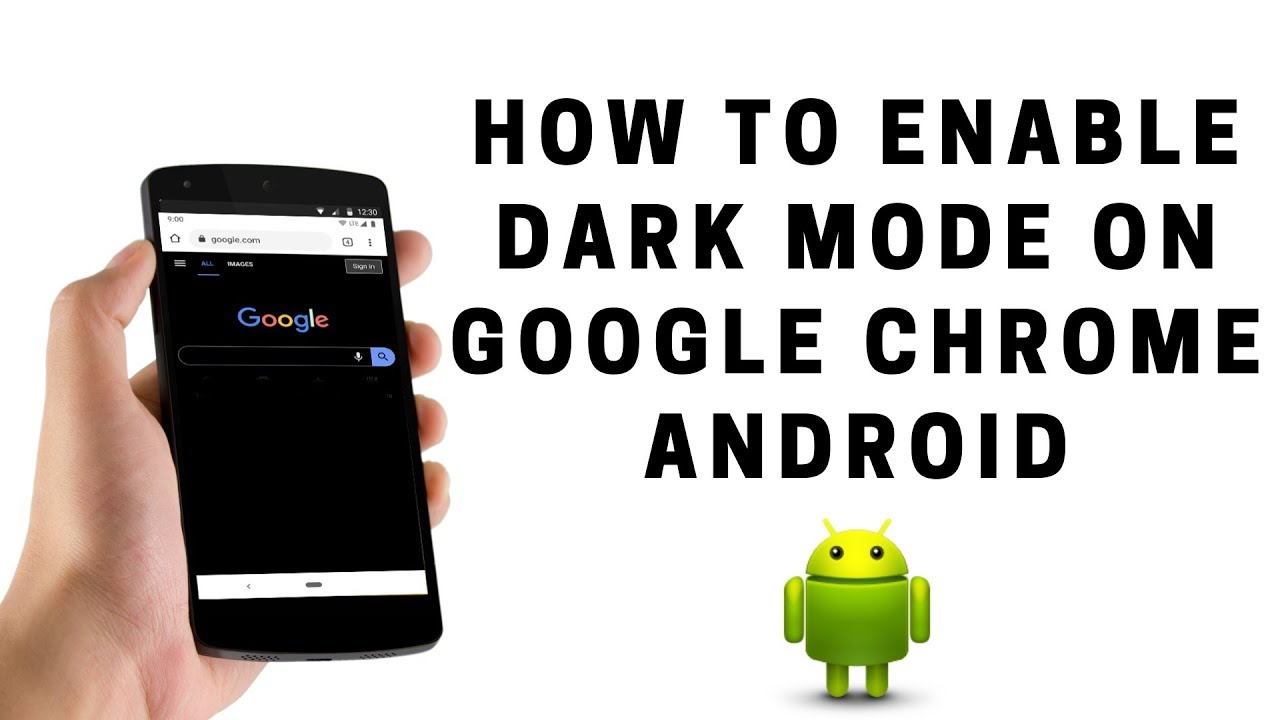
See greater films for the way to permit dark mode on google chrome for android. The dark mode in google chrome is tied to the device-extensive theme brought to android 10. as soon as that subject is switch on, all apps, such as chrome, will activate their darkish topic. the characteristic is in all likelihood already set to on, but just in case: in chrome, faucet on the menu button (the vertical ellipsis) in the higher proper, then select "settings" from the listing. How to permit dark/night time mode in android chrome chrome by means of default doesn’t provide a darkish mode. however, model seventy four of chrome and later have the darkish mode person interface as an experimental characteristic.


Komentar
Posting Komentar